Master the KishMake API for Automated 3D Workflows
Unlock the power of automation by connecting our 3D generation engine directly to your local AI coding assistants and custom applications.
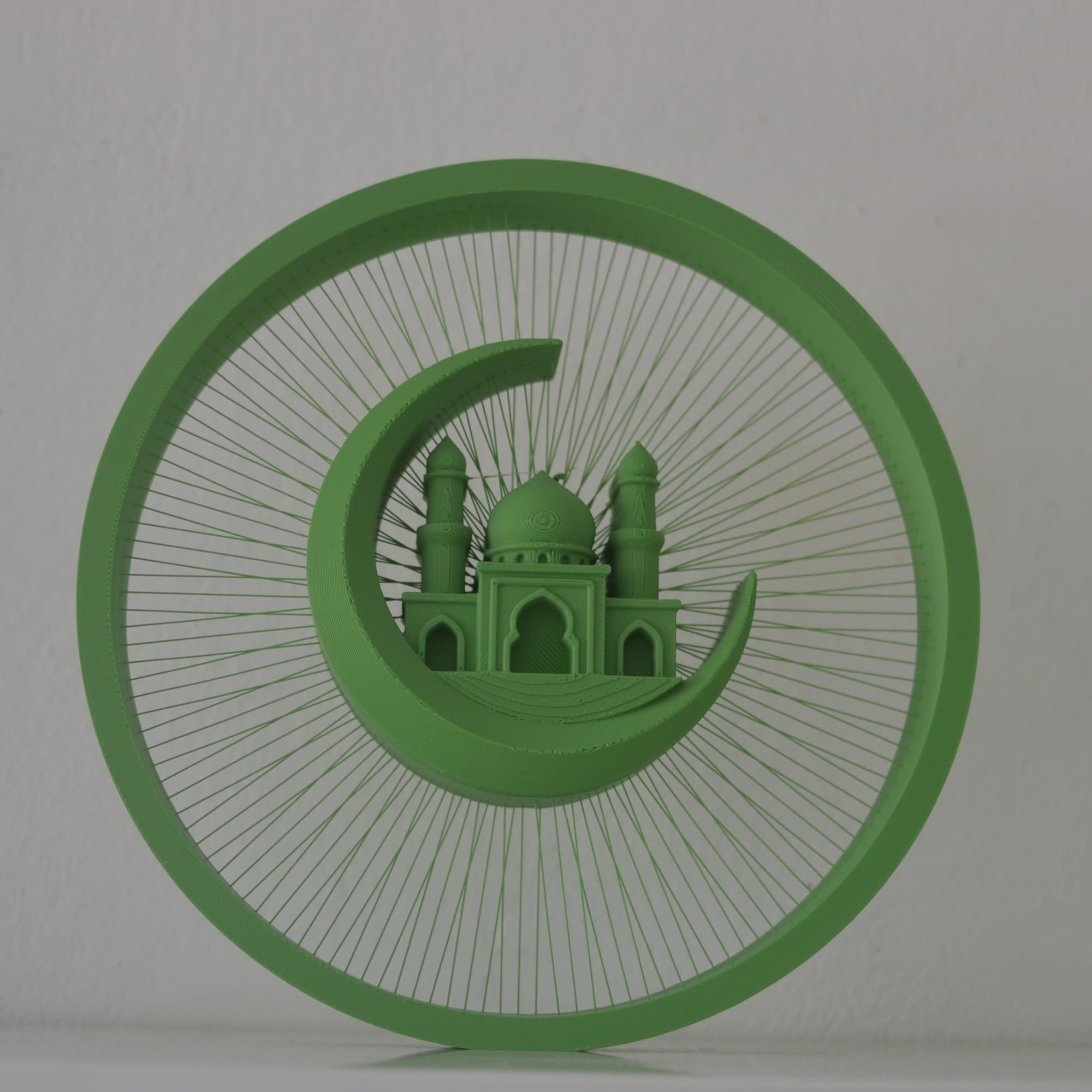
The KishMake API allows you to integrate AI-powered 3D model generation directly into your website or connect it seamlessly to chatbots like ChatGPT and Claude. Whether you are coding a custom app or using natural language in a local environment, this API turns simple prompts into print-ready 3D files instantly.
What Is the KishMake API and How Does It Work?
The KishMake API is a straightforward developer interface connecting external software to our powerful 3D generation engine. It lets you automate model creation using your subscription credits, allowing AI assistants to seamlessly request base meshes and automatically edit them locally via Python before exporting them for fast 3D printing.
Traditionally, API integration meant you had to hire a developer to write extensive backend code just to connect different services. Today, the landscape is entirely different. Even if you have zero programming experience, you can leverage our secure endpoints by instructing modern AI chatbots and coding assistants to handle the communication for you. As long as you have an active KishMake subscription and enough generation credits, you can start building custom automated workflows in minutes.
Using a programmatic interface for 3D generation radically shifts how modern makers and print shop owners operate. Instead of manually clicking through a web dashboard, you can build a pipeline where an AI assistant receives a simple text instruction, communicates with KishMake to fetch the 3D asset, and then runs automated post-processing scripts. This workflow is undeniably the easiest way to design for 3D printing today — powered by AI, freeing up your valuable time to focus on actually printing and fulfilling your customer orders.
API Access Requirements
Connecting KishMake to Local AI Environments
While connecting our API directly to a web platform or a cloud-based GPT is entirely possible, the real magic happens when you work locally. Tools like Cursor or Anthropic's Claude Code run natively on your machine, giving the AI the ability to create, read, and execute system files directly on your hard drive.
When you use a local AI environment, the assistant can write Python scripts to modify the downloaded mesh directly. Most automated 3D editing relies heavily on robust Python libraries like trimesh, open3d, or bpy (Blender Python). A standard cloud chatbot cannot easily run complex 3D manipulation scripts on massive local files, but a local AI coding agent can generate the code, install the required packages, and execute the geometric transformation flawlessly on your own hardware.
- Generate Your KeysNavigate to your KishMake account dashboard, locate the developer API settings, and generate a secure, unique API key to authenticate your requests.
- Configure Your Local AIOpen your preferred local coding assistant, such as Cursor or Claude Code, and securely provide it with your API key as a system environment variable.
- Provide the PromptInstruct the AI assistant to call the KishMake endpoint with your desired object description and save the resulting STL or OBJ file to your local project folder.
- Automate Post-ProcessingAsk the AI to write and execute a Python script to perform boolean operations, hollowing, or precise metric resizing on the newly generated model.
Can You Automate Complex 3D Models?
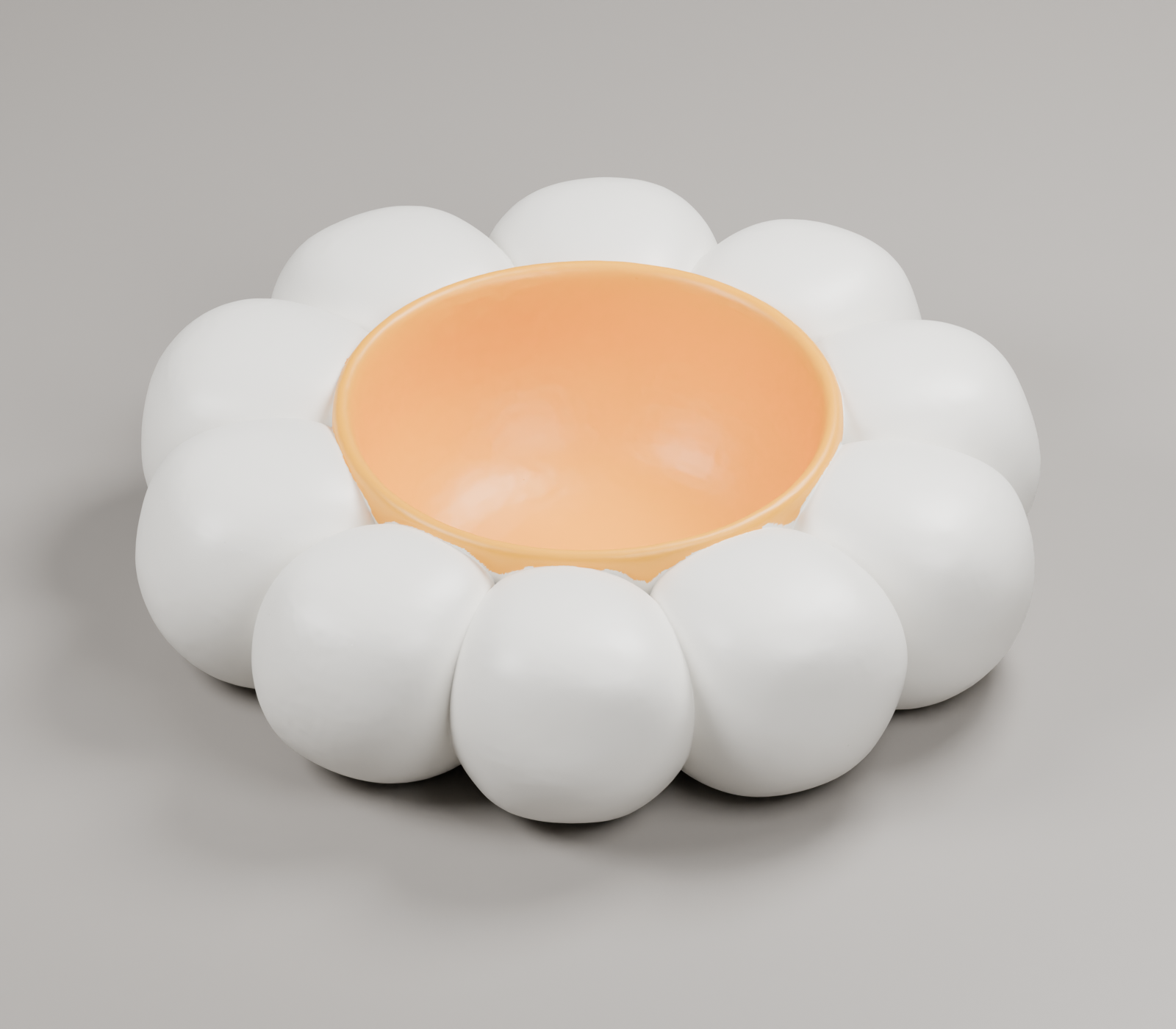
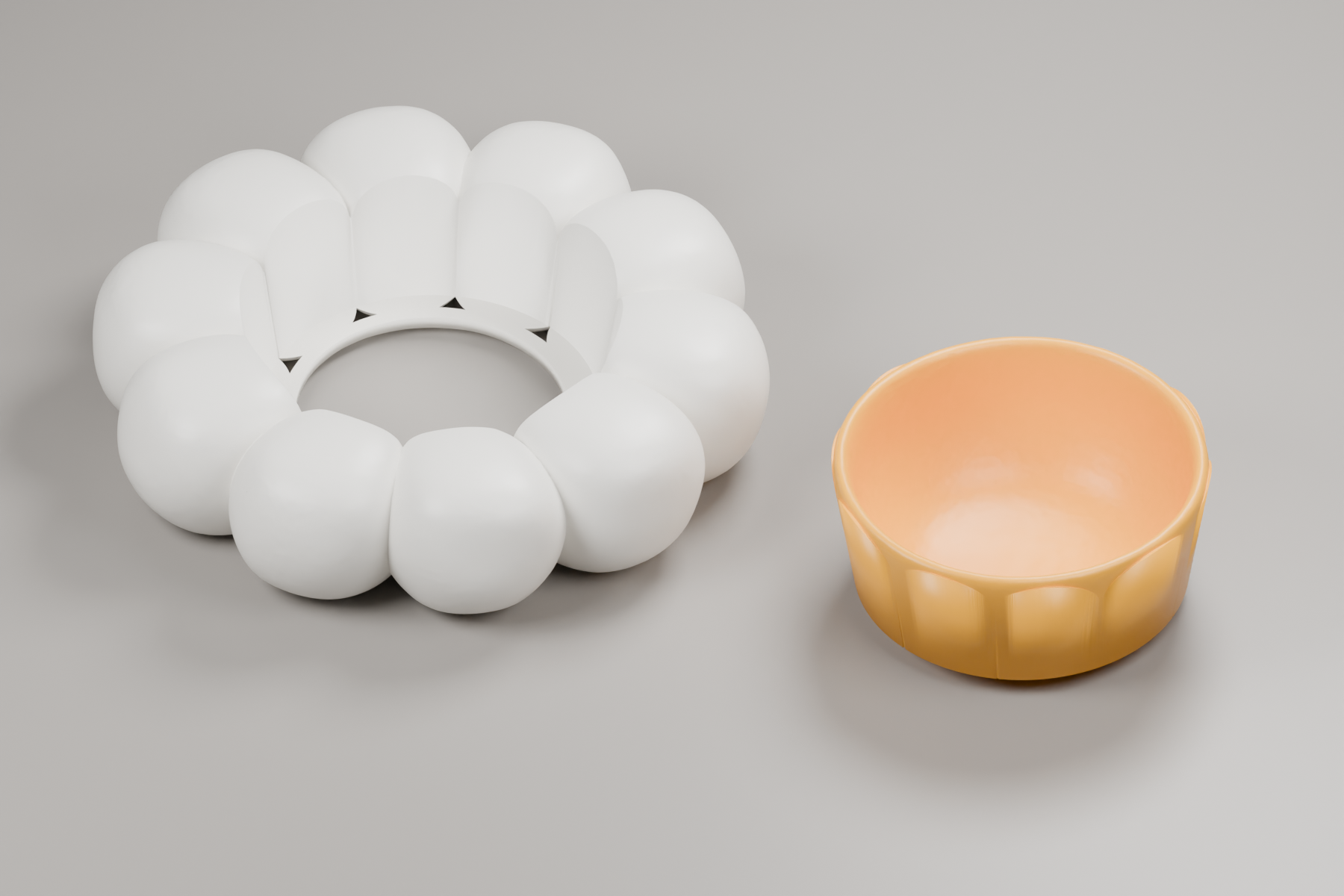
Yes, you can easily automate complex 3D models by combining our API with local scripting. The AI uses KishMake to generate the foundational shape at incredibly low compute costs, then uses local Python scripts to automatically execute intricate geometric modifications, slicing, or detailed boolean operations tailored to your exact specifications.
Let's look at a highly practical example for makers selling functional home decor: creating a custom planter. Instead of opening manual CAD software, you simply type a natural language command into your local AI environment: Generate a model of a stylized geometric vase using the KishMake API, then make it hollow with a 2mm wall thickness and add three 5mm drainage holes at the bottom.
Generation: The AI interprets your prompt and sends the specific design parameters to KishMake's servers.
Retrieval: KishMake processes the request, generates the high-quality base mesh rapidly, and securely returns it to your local machine.
Modification: The local AI writes a Python script leveraging libraries like trimesh to hollow the object and subtract perfect cylinders for drainage.
Final Output: You receive a completed, print-ready STL file sitting on your desktop, ready to be dropped straight into your slicer.
Integrating the API into Your Own Applications
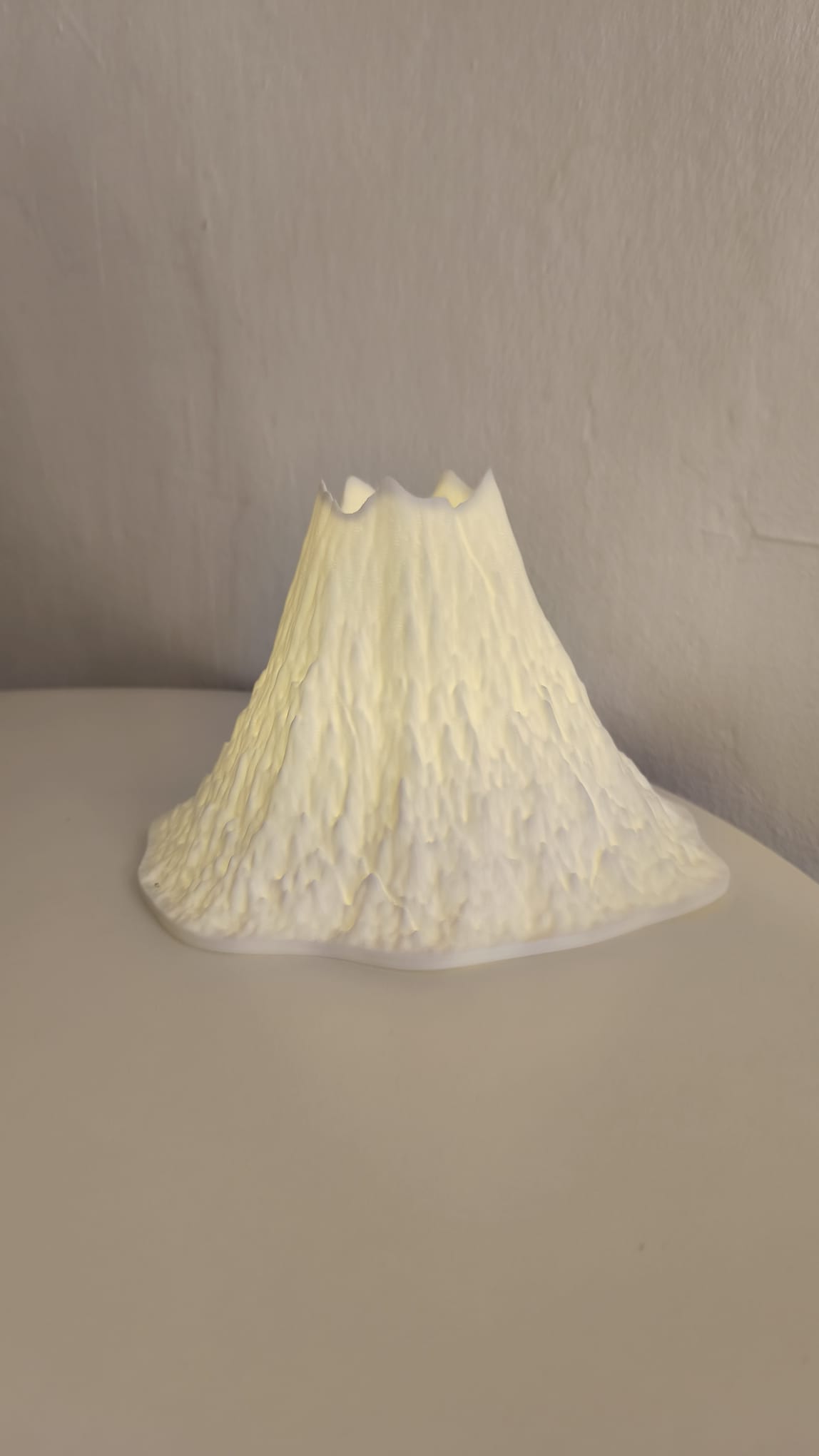
While local AI assistants are incredible for personal workflows and maker shops, the KishMake API is equally designed to power scalable, customer-facing web applications. If you run a custom 3D printing service or an e-commerce storefront, you can connect your backend directly to our secure endpoints. This allows your customers to type their own descriptive prompts on your website and instantly see a generated 3D preview without ever knowing they are using our powerful AI engine behind the scenes.
The developer documentation provides clear, robust examples in various programming languages, ensuring that whether your stack uses Node.js, Python, PHP, or Ruby, integration is a seamless process. You can programmatically fetch job statuses, manage delivery webhooks, and securely send final STL files directly to your print farm's automated queue. This level of professional automation is exactly what separates a casual hobby shop from a highly scalable manufacturing business.
Why This Approach Saves Massive Compute Costs
One of the biggest advantages of this hybrid automation workflow is pure cost efficiency. Generative AI 3D platforms require immense server-side GPU resources to create geometry from scratch. By offloading the primary shape generation to KishMake via our API, you benefit from our highly optimized backend infrastructure, resulting in incredibly low compute costs for generating the initial asset.
Once the base model lands on your computer, the secondary design operations—like hollowing, scaling, or adding structural holes—are handled by standard geometric algorithms running entirely on your local CPU. You aren't paying expensive ongoing cloud computing fees for basic CAD modifications. This smart division of labor keeps your operational expenses lean, which is absolutely critical if you are running a 3D printing farm or exploring the 5 best ways to get 3D printing designs you can actually sell.
By bridging state-of-the-art generative AI with local script automation, your creativity is no longer bottlenecked by steep software learning curves. You transition from a manual designer into a technical director, efficiently instructing your automated systems to build robust inventory precisely how your customers want it.
Frequently asked questions
Do I need to know how to code to use the API?
No, you do not need traditional programming skills to use the KishMake API. By connecting your API key to an advanced local AI assistant like Claude Code or Cursor, you can simply use natural language to instruct the AI to generate and modify models.
Can I use the API directly from ChatGPT?
Yes, you can configure custom GPTs within ChatGPT to send requests directly to the KishMake API. However, for complex geometric modifications and automated post-processing using Python, we highly recommend using a local environment so the AI can execute code directly on your machine.
What happens if I run out of generation credits?
Your API access requires an active subscription and a sufficient balance of generation credits. If your automated workflows consume all your available credits, the API will temporarily pause new generations until you upgrade your plan or purchase an additional credit pack through your dashboard.
Related reading
Run a 3D-print store? Embed KishMake into your site.
Join the API waitlist for early access to design-on-demand for your customers.
