Meshy vs Tripo: Which is the Best AI 3D Model Generator for 3D Printing?
Compare the top two AI 3D generation models and discover why you don't have to choose between them when running your print shop.
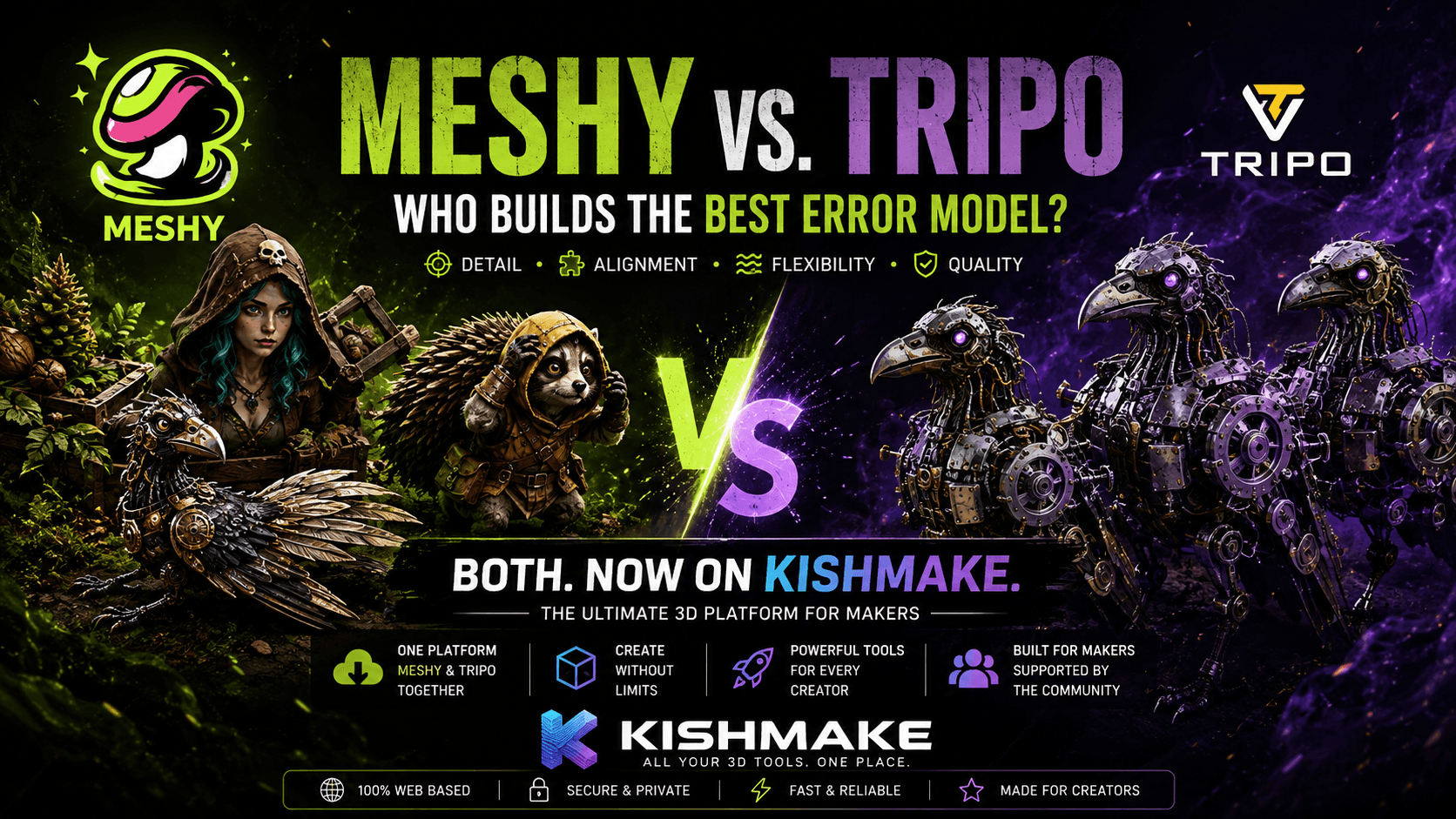
When comparing Meshy vs Tripo to find the best AI 3D model generator for 3D printing, the truth is they both excel at different things. Meshy offers incredible organic detailing, while Tripo generates highly accurate geometric shapes faster. With KishMake, you can seamlessly use both engines under one subscription.
Meshy vs Tripo: Which AI Model is Actually Better?
Deciding between Meshy vs Tripo comes down to your specific project needs. Meshy is generally better for artistic, organic shapes like miniatures, providing superior surface details. Tripo usually wins on speed and structured geometric designs. Ultimately, having access to both ensures the absolute best possible 3D printing results.
The 3D printing landscape is shifting rapidly as artificial intelligence makes it easier than ever to create printable assets. In the past, makers had to spend hours in CAD software to create a simple custom part. Today, text-to-3D and image-to-3D technologies have completely revolutionized the workflow. Two of the biggest names driving this revolution are Meshy and Tripo. But if you are trying to figure out which one is worth your time and money, the answer is not a simple binary.
Deep Dive: Meshy for Organic 3D Prints
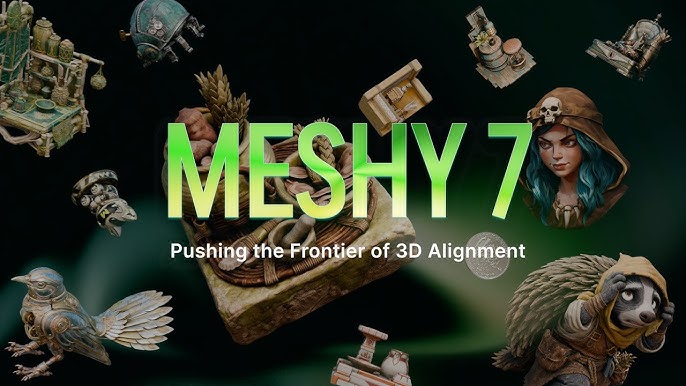
When the 3D printing community tests Meshy, the consensus is clear: it is an absolute powerhouse for artistic and organic designs. If you are looking to print custom tabletop RPG miniatures, unique organic vases, or expressive character statues, Meshy consistently delivers superior surface details. The AI is incredibly adept at understanding complex, sweeping curves and imaginative textures that would take hours to sculpt manually.
For makers who sell painted 3D prints, Meshy provides a fantastic baseline. It captures the nuance of clothing folds, facial features, and natural textures like bark or fur incredibly well. If you are using a high-resolution SLA resin printer, these intricate details will shine beautifully in the final physical object. However, this dedication to minute detail means its meshes can sometimes be quite dense and heavy. You might need to spend a little extra time in your slicer adding precise supports to ensure those beautiful organic overhangs print flawlessly.
Deep Dive: Tripo for Fast, Geometric 3D Models
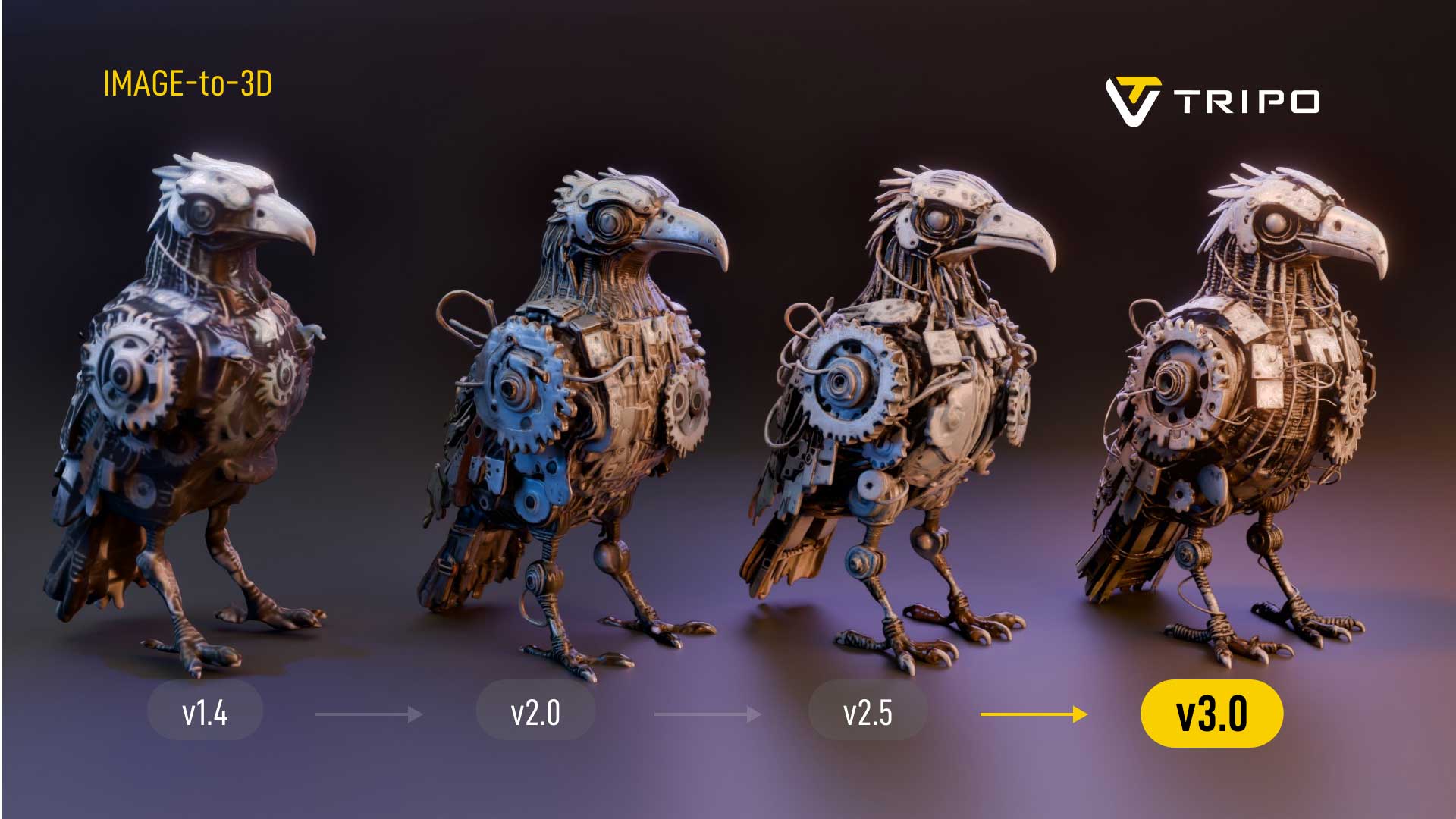
On the other side of the arena is Tripo, an AI model that has gained massive popularity for its blazing-fast generation speeds and cleaner topological structures. If your goal is to generate architectural concepts, geometric jewelry, or structural parts, Tripo is often the more reliable choice. It understands hard edges, flat planes, and mechanical silhouettes significantly better than most AI generators on the market.
Many creators prefer Tripo when they are rapid-prototyping practical items. If you need to quickly iterate on a functional design, a desk organizer, or a low-poly aesthetic, Tripo will give you a workable 3D model in a fraction of the time. Because the geometry tends to be cleaner and more structured, it is highly optimized for FDM printing. You will likely face fewer issues with floating artifacts or non-manifold edges. For best results across any generated model, checking your files against standard 3D printing mesh guidelines will help you ensure both engines give you optimal, watertight meshes.
Why Choose? Use Both Engines with KishMake
The biggest frustration creators face in the modern AI landscape is subscription fatigue. Paying separately for Meshy and Tripo just to access their unique strengths is expensive and incredibly inefficient. That is exactly why KishMake was built to integrate multiple top-tier AI models into a single, seamless platform designed specifically for the 3D printing community.
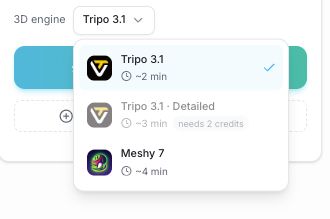
Instead of guessing which AI will handle your prompt better, KishMake allows you to choose your underlying engine right before you hit generate. Have a prompt for a highly detailed creature? Try it on Meshy for the organic body. If you want a more stylized, geometric version of the same prompt, simply switch your engine selection to Tripo and run it again. You get the absolute best of both worlds without ever leaving your dashboard.
Unmatched Cost Efficiency: One single KishMake subscription covers your access to both powerful AI generation engines.
Workflow Flexibility: Swap between deep organic detailing and rapid geometric generation instantly, depending on the day's project.
Print-Ready Focus: KishMake automatically optimizes the outputs from both engines to ensure they are immediately ready for your slicer software.
This flexibility is why we always recommend testing your ideas across both models rather than committing to just one. AI interpretation is highly subjective, and a prompt that Tripo struggles with might yield an absolute masterpiece in Meshy—and vice versa.
Feature Comparison | Meshy AI | Tripo AI | The KishMake Advantage |
|---|---|---|---|
Best Use Case | Organic shapes, characters, detailed miniatures | Geometric objects, fast hard-surface parts, clean structures | Ability to switch between both instantly for any project |
Generation Speed | Moderate to slow (focuses on deep detail) | Incredibly fast (focuses on rapid geometry) | Varies dynamically based on the engine you select |
Mesh Topology | Dense, high polygon count for detail | Cleaner, optimized, often lower polygon count | Auto-optimized and prepared for standard 3D printing slicers |
Subscription Model | Requires separate standalone subscription | Requires separate standalone subscription | One platform subscription covers both premium engines |
How to Generate 3D Models Using Both Engines
Switching between these powerful AI generators is incredibly straightforward within our platform. You do not need any complex software installations or coding knowledge. As we mentioned in our comprehensive guide on The Easiest Way to Design for 3D Printing Today — Powered by AI, the barrier to entry has completely vanished.
- Open Your KishMake DashboardLog into your KishMake account and navigate straight to the main AI generation studio.
- Enter Your Text or Image PromptClearly describe the 3D model you want to print, or upload a 2D reference image as a starting point.
- Select Your Preferred AI EngineUse the simple dropdown menu to choose between Meshy (if you want organic details) or Tripo (if you need fast geometry).
- Generate and EvaluateReview the generated 3D model on your screen. If it does not perfectly match your vision, simply switch the engine and generate again to see a different interpretation!
- Export for 3D PrintingOnce you have the perfect model, download the print-ready file and send it straight to your preferred slicer.
Conclusion: Iterate for 3D Printing Success
Whether you are printing custom gifts for fun or running a full-scale online store, having access to the absolute best tools is crucial for staying ahead. By combining the unique strengths of both Meshy and Tripo, you guarantee that no design concept is out of your reach. If you want to learn more about expanding your creative arsenal and building a successful workflow, be sure to check out our extensive review of The Best Tools to Design Your Own 3D Model (2026 Guide for 3D Printing).
Stop limiting your creativity to a single AI model. Embrace the flexibility of KishMake, test both leading engines on your unique prompts, and start 3D printing incredible products today without ever opening a CAD program.
Frequently asked questions
Can I use both Meshy and Tripo for commercial 3D printing?
Yes, models generated through both AI engines can generally be used for commercial 3D printing, provided you adhere to the specific platform terms. KishMake ensures your exports are print-ready and suitable for scaling your 3D printing business and selling physical products.
Does Tripo or Meshy generate faster 3D models?
In most standard text-to-3D generation tests, Tripo produces results significantly faster than Meshy. However, Meshy spends more time refining surface textures and intricate geometric details, which is exactly why it excels at organic shapes where that extra processing time is highly beneficial.
Do I need CAD experience to use these AI generators?
Absolutely not. Both of these AI models are designed to turn simple text prompts or 2D images directly into 3D meshes. With KishMake integrating these engines into an intuitive interface, you skip the steep CAD learning curve entirely and get a print-ready file in minutes.
Related reading
Run a 3D-print store? Embed KishMake into your site.
Join the API waitlist for early access to design-on-demand for your customers.
