The Ultimate AI Pumpkin Maker Guide for 3D Printing
Halloween is around the corner. Learn how to use our new AI tool to generate custom, 3D-printable pumpkins in minutes—no CAD required.
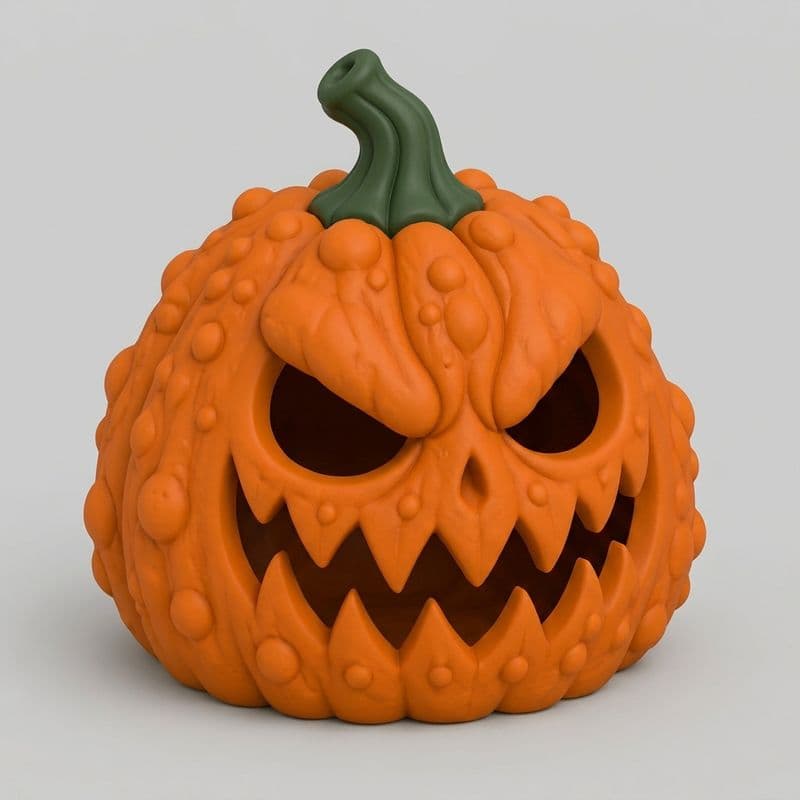
Looking for a fast way to generate custom Halloween decor? The new KishMake Pumpkin Maker is an AI-powered design tool that lets you create unique, 3D-printable pumpkins in minutes just by typing a prompt. Forget complex CAD software—simply describe your spooky vision, and get a print-ready file instantly.
How Does the Pumpkin Maker Work?
The Pumpkin Maker works by translating your everyday text descriptions into detailed, solid 3D models. You simply type the shape, style, or texture you want, and our AI engine instantly generates a flawless STL file that is optimized and ready to send directly to your 3D printer.
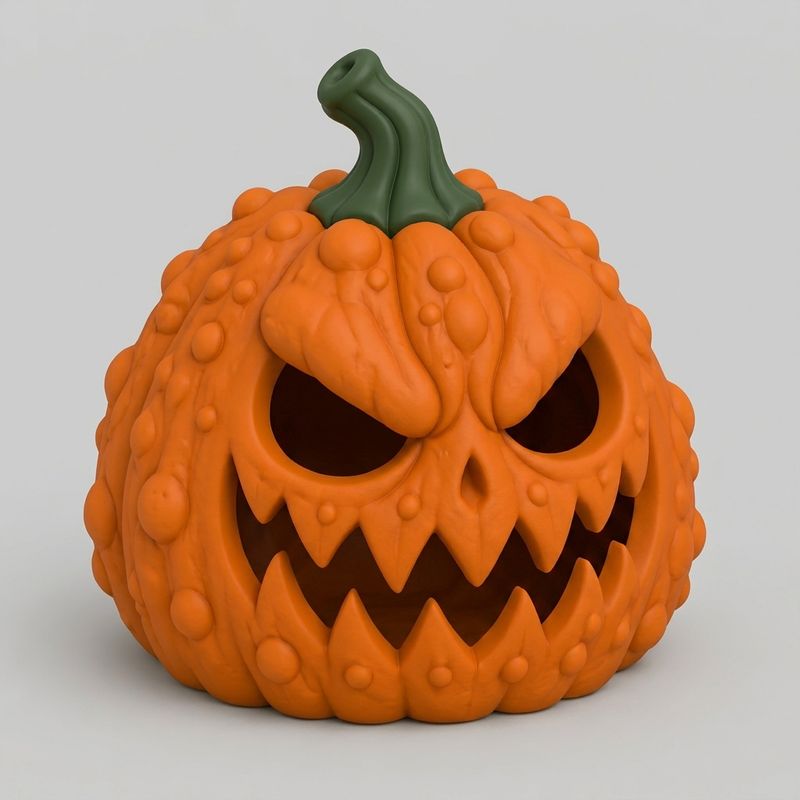
The Fastest Route to Spooky Decor
Halloween is right around the corner, and standing out with unique decorations has never been more important for makers. We know that mastering traditional 3D modeling takes months of practice, which is why we built this tool to be the easiest way to design for 3D printing today. Whether you want a tall, twisted gourd, a classic round jack-o'-lantern, or a pumpkin covered in warts and vines, you simply ask the AI for it and watch it materialize.
Pro Tip: Generating Hollow Designs for LEDs
One of the most common requests for Halloween models is the ability to light them up. If you want your design to be ready for lighting, simply write "hollow" in your prompt. For example, you can type: "A hollow spooky pumpkin with a hole in the bottom." The AI will generate a shell with the exact opening you need, saving you from having to hollow it out manually using complex slicer tricks.
Important safety note: If you plan to light up your creations, you must use battery-powered LED tea lights instead of real fire. You can read up on Prusa's guide to PLA temperature resistance to understand why a real candle will quickly melt your beautiful 3D prints!
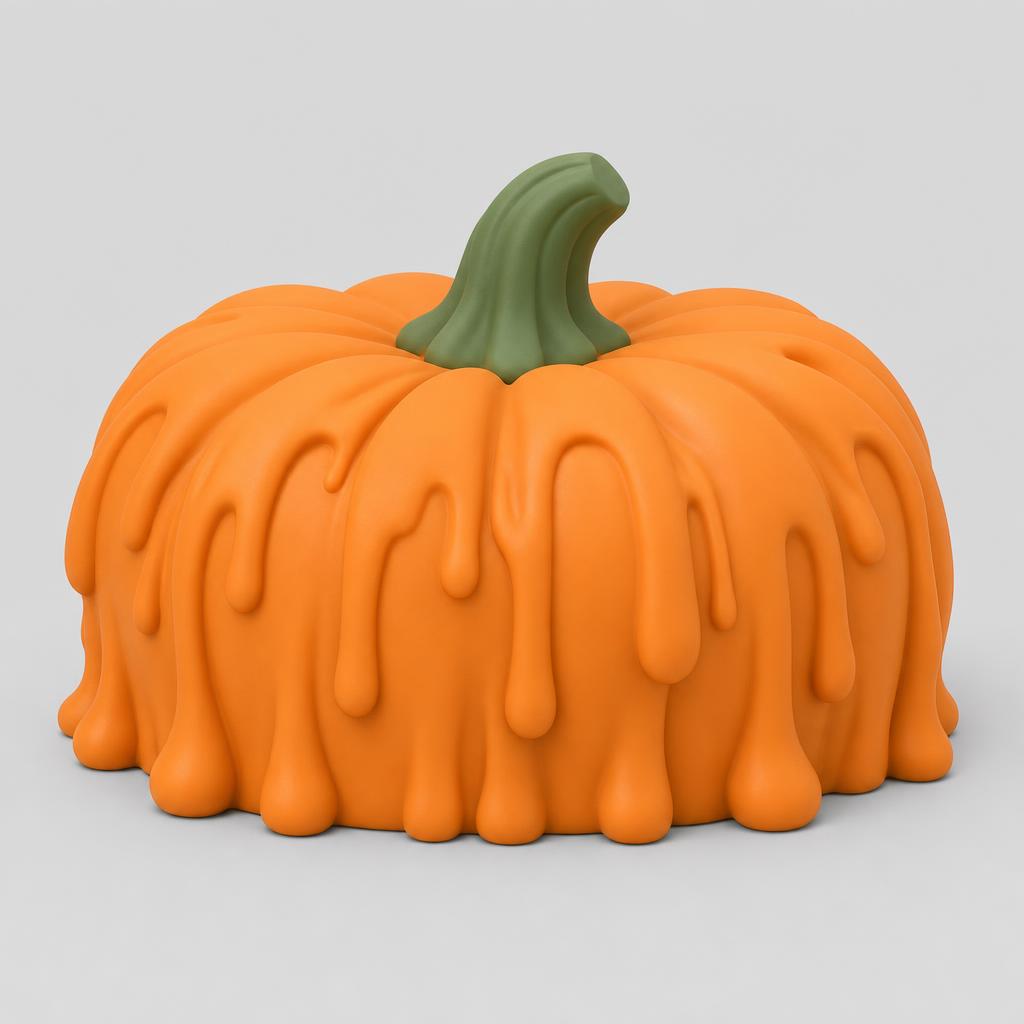
How to Use the Pumpkin Maker
Getting started is incredibly straightforward. Follow these steps to generate your first custom Halloween decoration today.
Comparing Your Halloween Design Options
When it comes to sourcing 3D printing files for Halloween, you generally have a few different paths. Here is how our new generator stacks up against traditional methods.
AI Pumpkin Maker
Turn Your Spooky Prints into Profit
If you are running a 3D print shop, the Halloween season is a massive opportunity for sales. Custom pumpkins are a great product line because they appeal to almost everyone. By utilizing our new tool, you bypass the usual design bottlenecks and can even offer personalized pumpkins to your customers on demand.
To maximize your shop's potential, we highly recommend reading our strategy guide on 4 Ways to Make Money Selling 3D Models in 2026. The key is to offer unique variations that customers can't just buy at a big-box store. Using AI allows you to instantly generate 20 different pumpkin styles, giving you a diverse catalog with minimal effort.
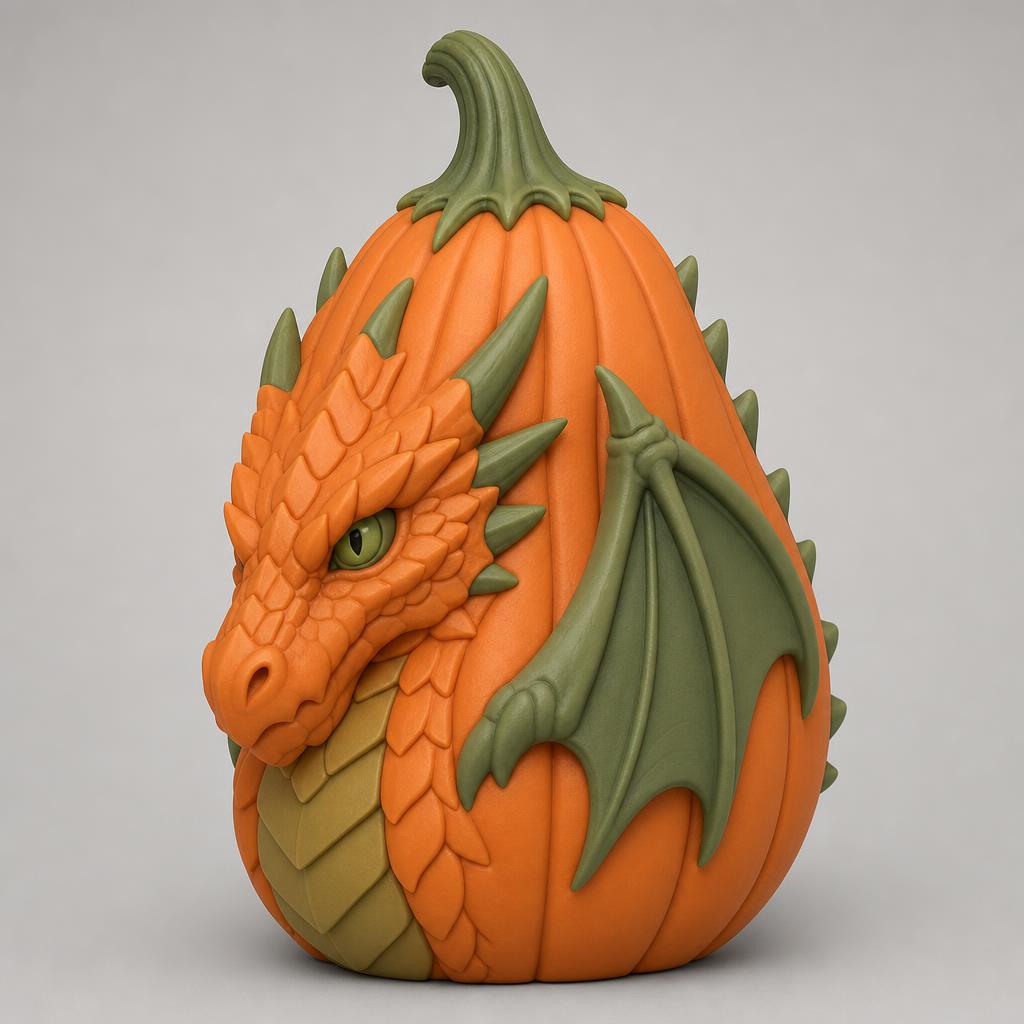
Slicing Tips for the Perfect Print
Once you have your design, slicing it correctly is critical. If you asked the AI for a hollow pumpkin, you can print it with standard settings. We recommend using 2-3 wall loops to ensure the shell is sturdy enough to handle minor bumps, while still being thin enough to let strong LED lights glow through slightly if you use a translucent filament.
If you forgot to prompt for a hollow design, you can still hollow it out in your slicer. In PrusaSlicer or Bambu Studio, set your infill to 0%, top layers to 0, and ensure you have at least 3 wall loops. This will force the slicer to print a hollow shell. Don't forget to explore introducing templates if you want to apply consistent base shapes to your future models!
Start Printing Your Halloween Decor Today
There is no better time to start preparing your print bed for the spooky season. Log in, type your prompt, and watch as the Pumpkin Maker brings your wildest Halloween concepts to life in minutes.
Frequently asked questions
How do I make a hollow pumpkin?
To make a hollow pumpkin, simply include the word hollow in your prompt description. You can also specify that you want a hole in the bottom or top. The AI will automatically generate a thin shell instead of a solid object, perfect for inserting LED lights.
Can I sell the pumpkins I generate?
Yes, you have full rights to sell the physical 3D prints of the models you generate using our platform. This makes it an excellent tool for Etsy sellers and local print shops looking to expand their seasonal Halloween inventory with unique, customized designs quickly and efficiently.
Do I need supports to print these pumpkins?
Most standard pumpkin shapes can be printed without supports if the overhang angles are gentle. However, if your design includes extreme facial features, twisted stems, or dramatic textures, we recommend enabling tree supports in your slicer to ensure a successful, high-quality print every single time.
Related reading
Run a 3D-print store? Embed KishMake into your site.
Join the API waitlist for early access to design-on-demand for your customers.
