Christmas Ornament Maker: Design Your Own 3D Printed Ornaments with AI
Our Christmas ornament maker turns a few words, or a photo of your dog, into a print-ready 3D ornament with the hanging loop built in. Here's how it works, what to make, and how to print and sell it.
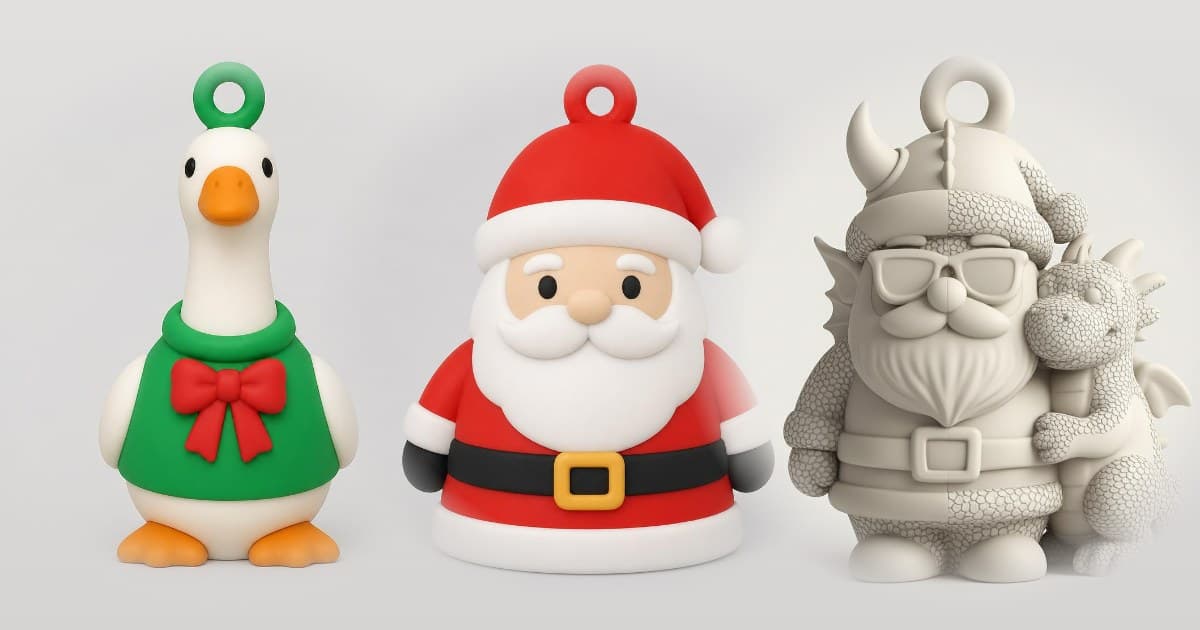
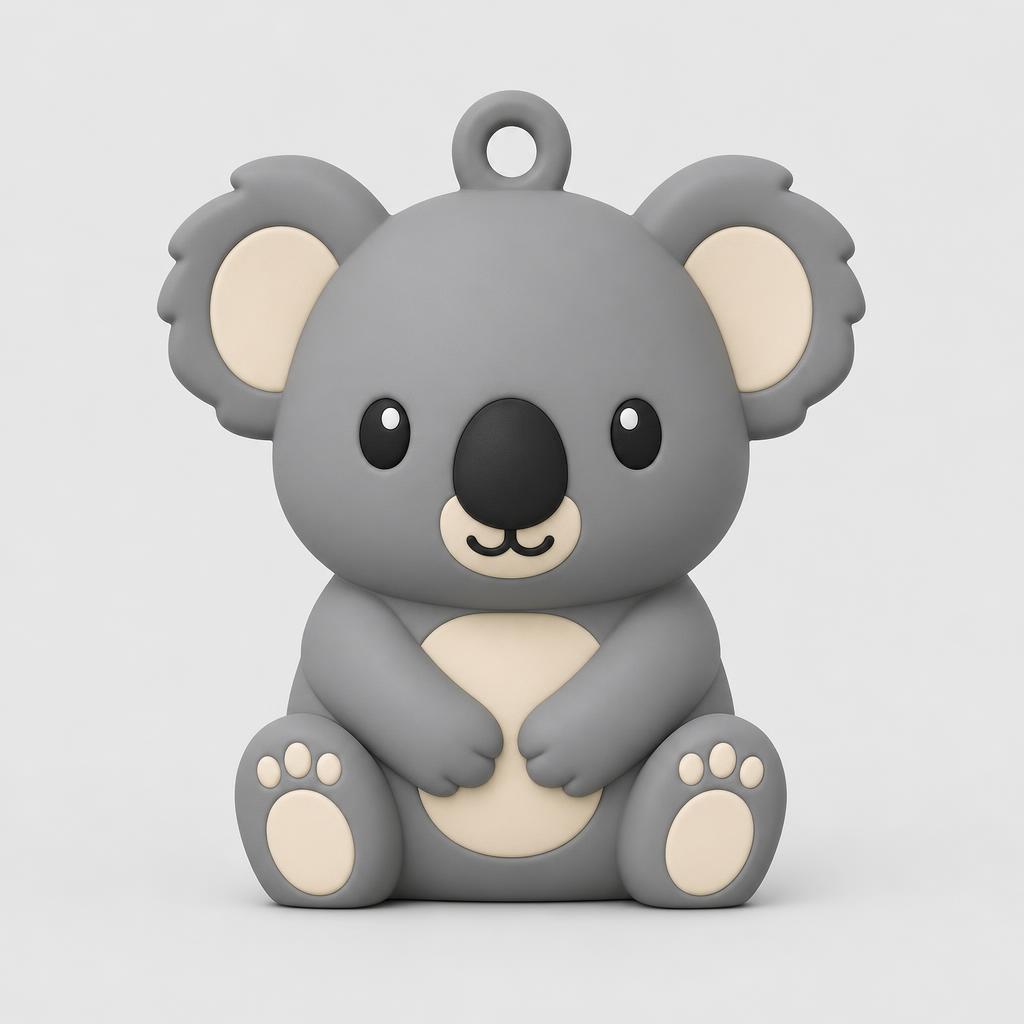
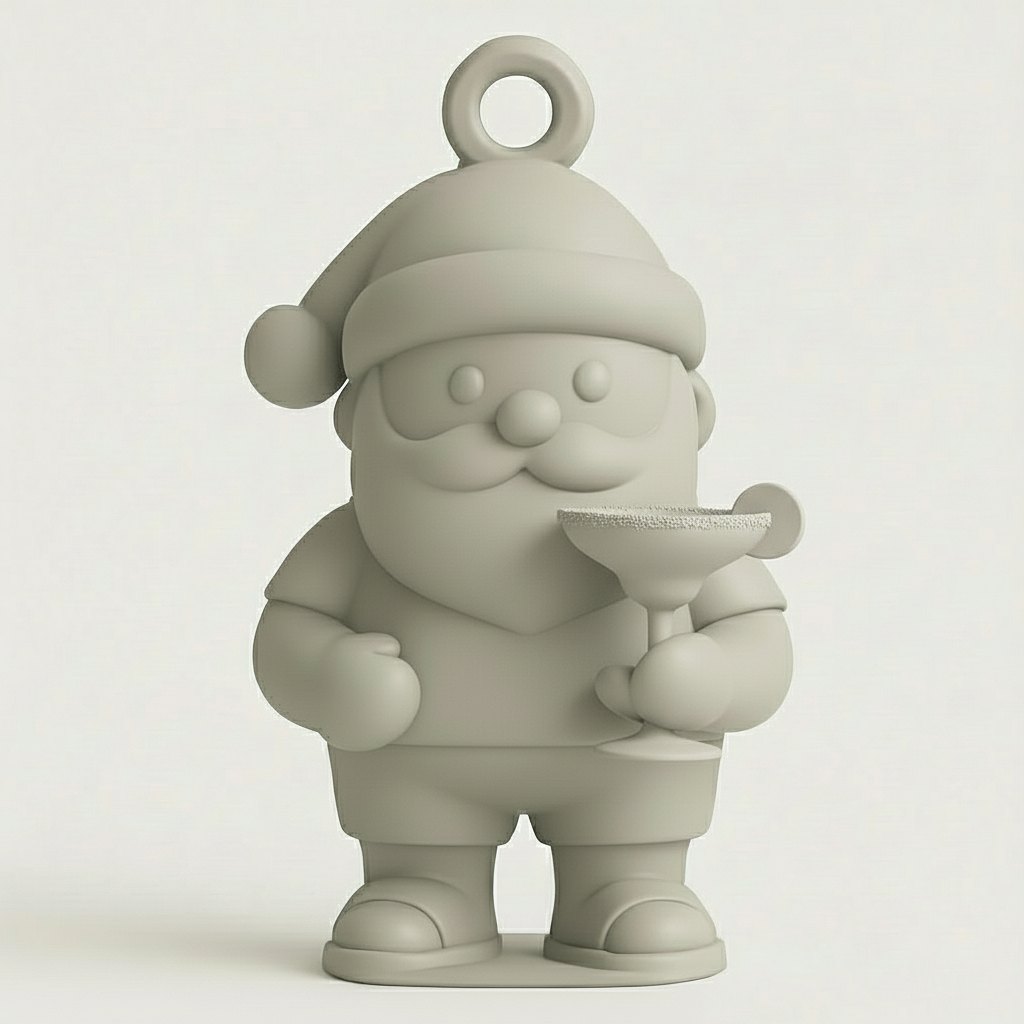
Three ornaments from the Christmas Ornament Maker. The goose came from the prompt "porch goose", the Santa on the right from "Cool Santa with dragon".
What's the fastest way to get a Christmas ornament nobody else has? Design it yourself with an AI Christmas ornament maker. With KishMake's Christmas Ornament Maker, you type a theme in a few words, or upload a photo of your dog. A few minutes later you have a print-ready 3D file with the hanging loop built in, ready for your slicer.
Every December the same thing happens on print beds everywhere: a snowflake, another snowflake, a star, a bauble. They come from the same handful of free files that thousands of other people are printing that week. Nothing is wrong with them, but none of them mean anything. The ornaments that survive twenty years in the decoration box are the strangely specific ones. The one shaped like the family dog. The tiny sourdough loaf for the friend who wouldn't stop baking. The camper van from that one road trip. Those are the ornaments we built this tool for.
Why design your own Christmas ornaments instead of downloading them?
Because a downloaded ornament is the same one thousands of other people hang. One you design can be your pet, your hobby or an inside joke. And if you sell prints, it's a product nobody else at the market has. With AI that takes minutes, not a weekend learning CAD.
How does the Christmas Ornament Maker work?
You describe the ornament in a few words and add a photo if you want to. Then you check the draft picture, adjust it until it's right, and generate. KishMake turns the picture into a 3D model with an integrated hanging loop and a flat base, ready to download and slice.
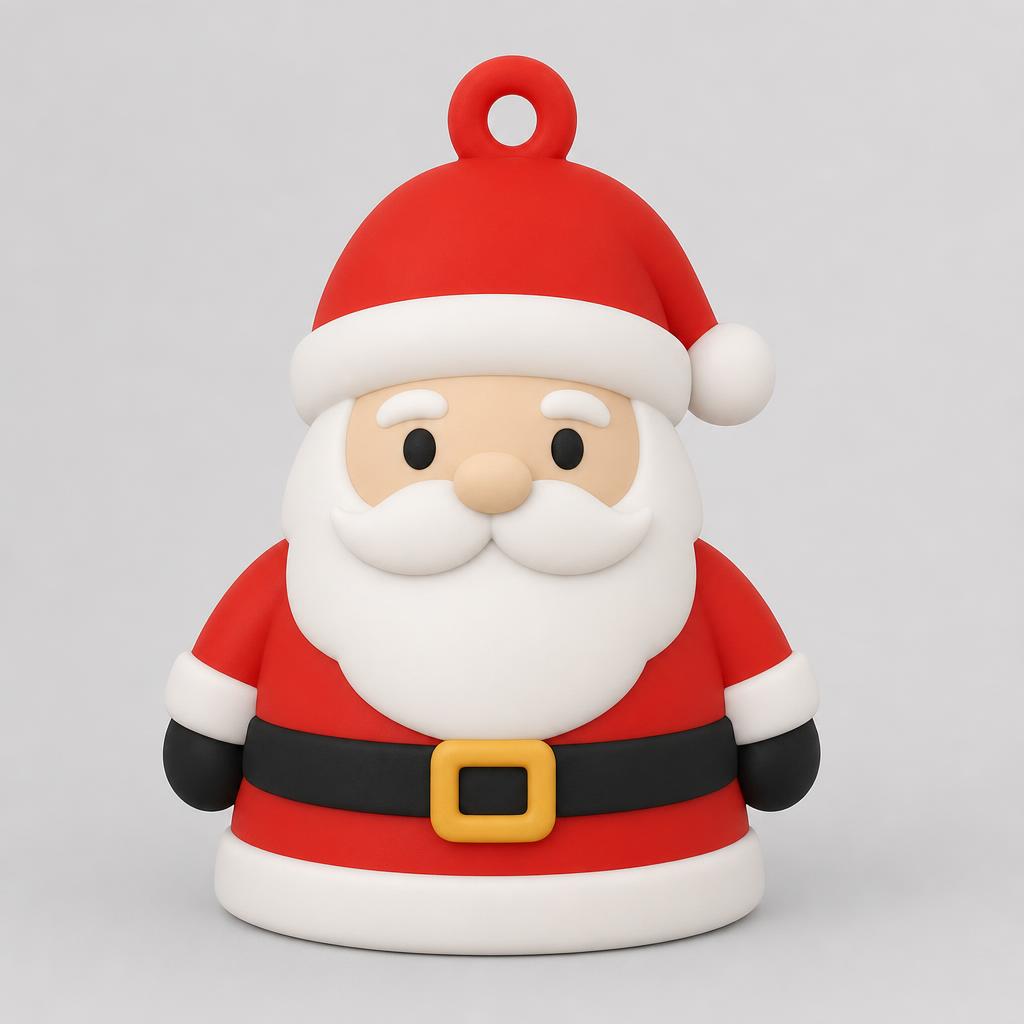
Describe the theme. Open the Christmas Ornament Maker and type what it should be. Keep it short and concrete: "snowman", "reindeer in a scarf", "gingerbread camper". The template already knows it's making an ornament. The loop, the base and the proportions are its job, so you don't need to describe any of that.
Add a photo (optional). Upload a photo of your dog, your cat or your favourite mug, and the ornament is shaped around that subject. You can use text, a photo, or both.
Edit the draft. Before any 3D model is made, you see the design as a picture. If it's not quite right, change it in words, like "make the scarf red" or "add a Santa hat". The first two touch-ups on every project are free.
Generate and download. When the picture is right, generate the 3D model. A few minutes later you have a print-ready file.
If this is your first time designing anything for a printer, our guide to the easiest way to design for 3D printing walks through the same flow in more detail.
Prompt tips we learned the hard way
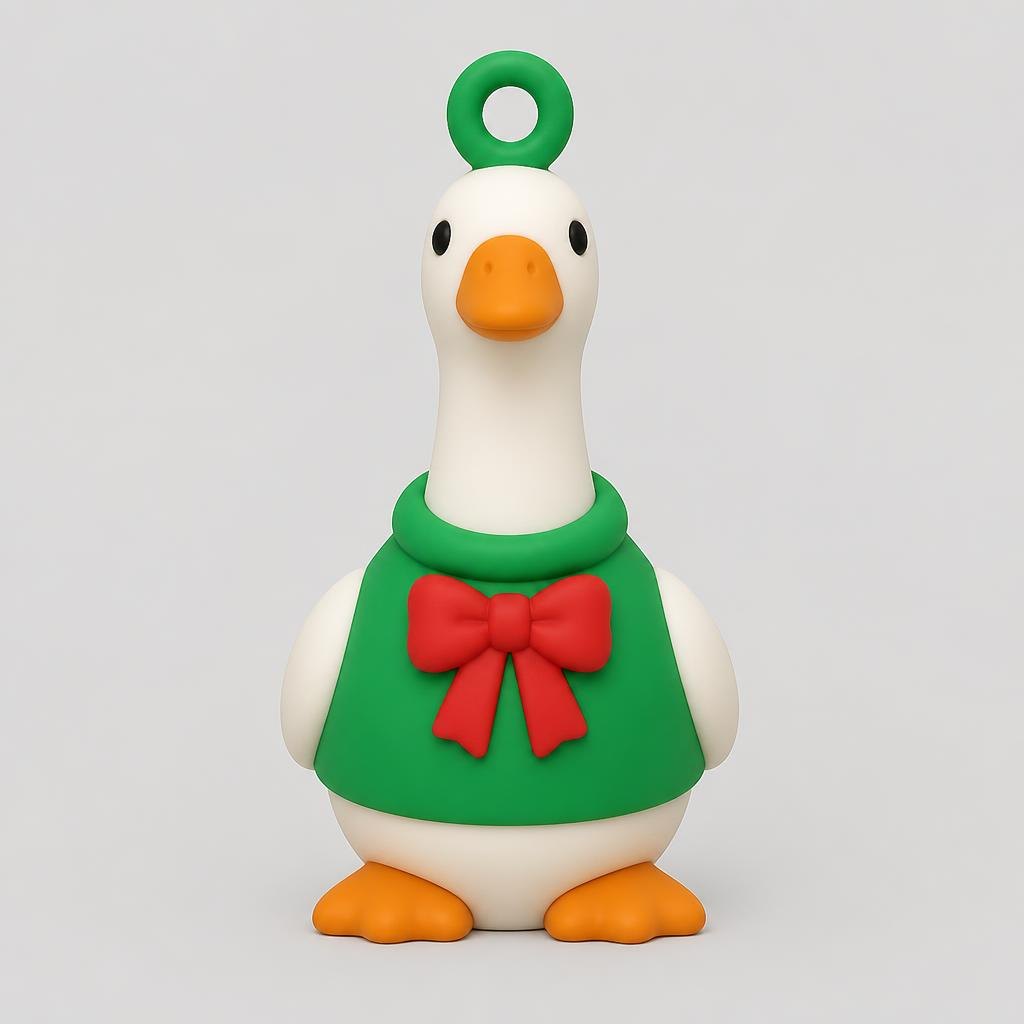
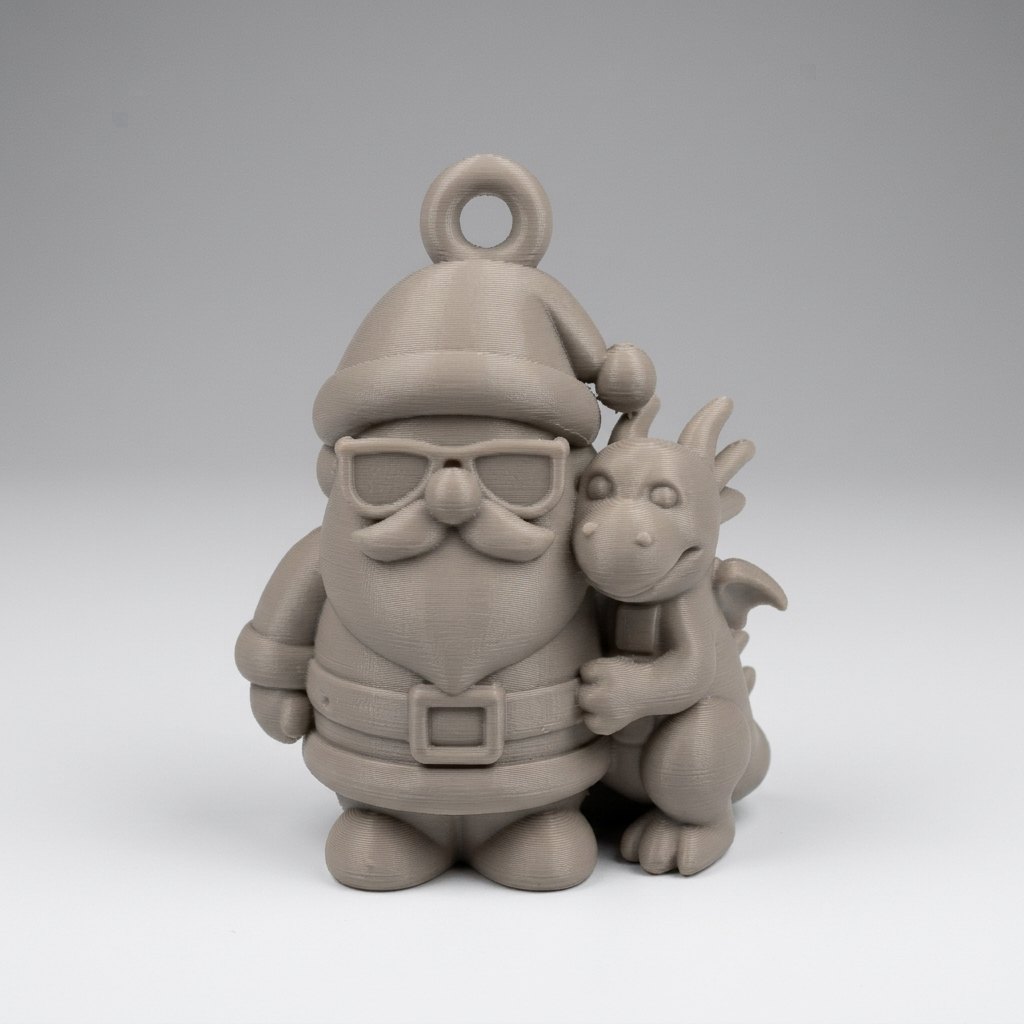
Name the thing, not the rules. The goose below came from two words: "porch goose". "Cool Santa with dragon" gave us the Santa in sunglasses. The template takes care of the ornament part, so you don't need a paragraph about loops and print orientation.
Never write what you don't want. Asking for "no hat" is a reliable way to get a hat. Image models latch onto nouns, so describe what you do want instead.
Small lettering won't survive. Names and years are too fine to make it from picture to 3D model cleanly. Add the name afterwards with a paint pen, or hang a small printed tag next to it.
Check the picture before you generate. Look for odd arms, an extra leg or a strange pose, and fix it in the draft. Touch-ups happen on the picture, so this is the cheap moment to change your mind.
Custom Christmas ornament ideas to try this year
For your own tree
Your dog or cat, from a photo
The family car, the camper van or the boat
A tiny version of a hobby: a sourdough loaf, a climbing shoe, a game controller, a ball of yarn, a chess knight
Your kid's favourite animal in a Santa hat
For gifts
The friend who runs: a little running shoe
The plant person: a monstera leaf or a cactus in a tiny pot
The coffee person: a mug with a candy cane sticking out
A matching set: the same animal as an elf, a reindeer and a snowman
For your shop
Trending animals in winter gear: an axolotl in a scarf, a capybara in a hot tub, a sloth on a sled
Classics with a twist: a snowman in sunglasses, a gingerbread house shaped like a camper
Pet ornaments made to order from the customer's photo (more on that below)
How do you 3D print a Christmas ornament?
Print it the way the file comes out: on its flat base, with a 0.4 mm nozzle and no supports. PLA is fine for anything hanging indoors (Prusa's PLA material guide covers the basics). Give the hanging loop an extra wall or two, because the loop takes all the strain when someone pulls the ornament off a branch.
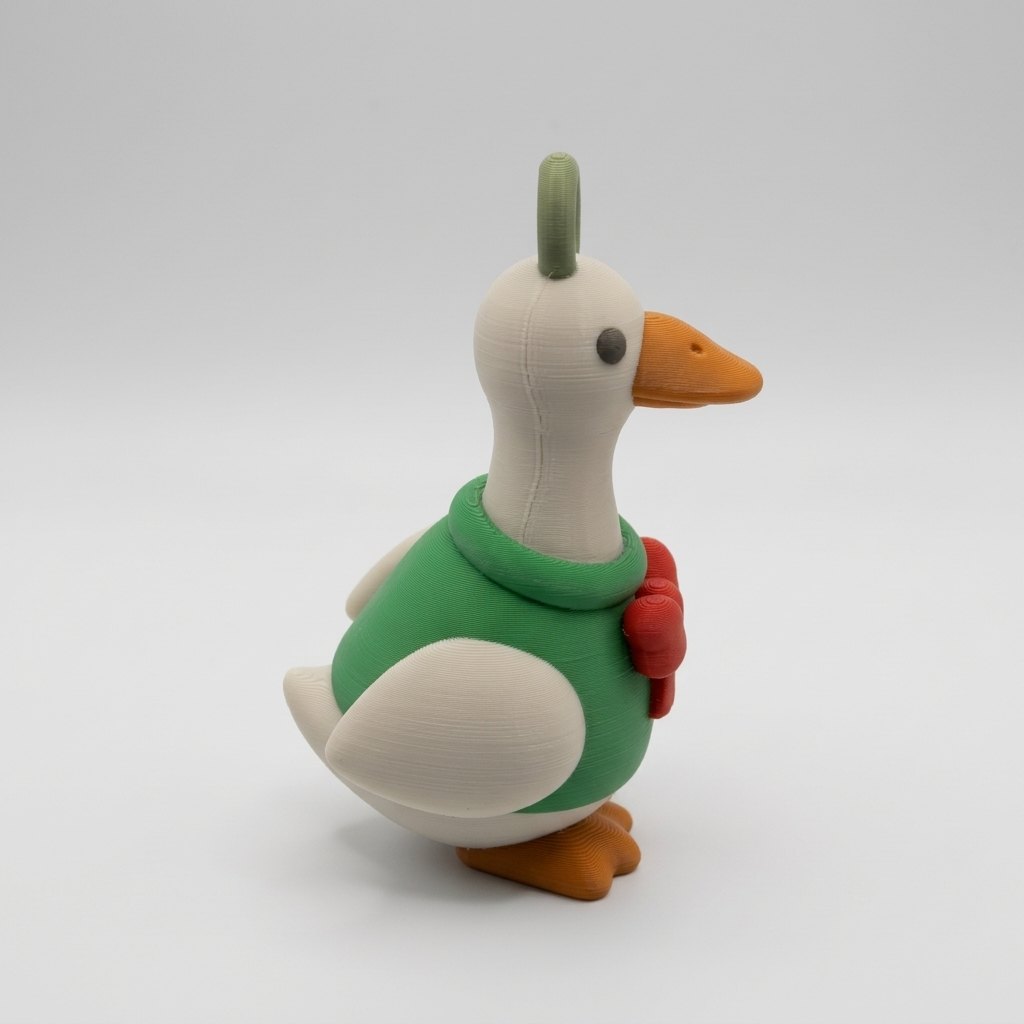
Filament. Silk PLA gives you the shiny look of a glass bauble. Sparkle or glitter PLA reads as snow and frost, and glow-in-the-dark is a big hit with kids. Plain matte PLA is the best surface if you plan to paint.
Colour. With an AMS or MMU you can paint the model in your slicer and print it in full colour. Our guide to multi-colour 3D models covers the setup. If you're printing a batch to sell, think about one colour plus a little hand painting. It saves hours of filament swaps on a single-nozzle printer, and the sellers who print the most tend to work this way.
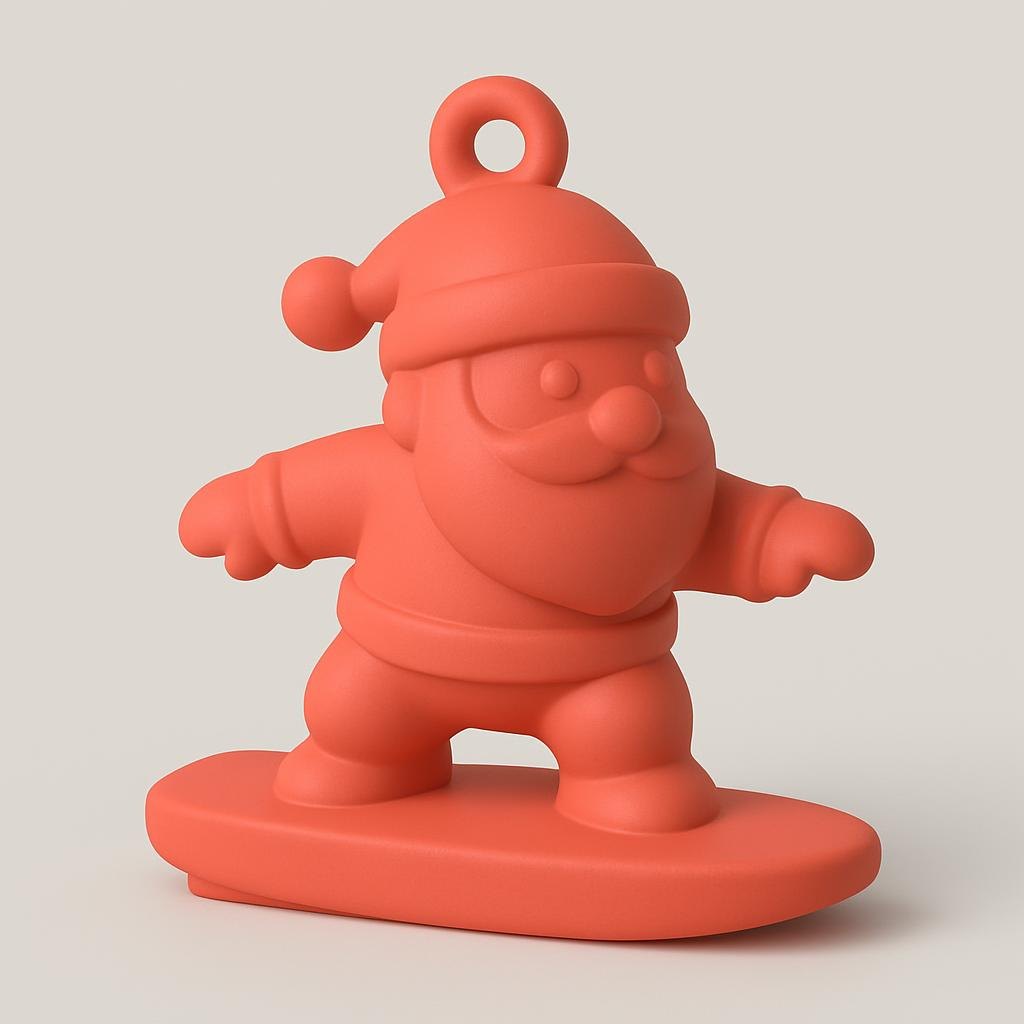
The loop. Before you print, look at the loop in the slicer preview. If it's only a couple of lines wide, scale the ornament up slightly or add walls. Scaling an ornament down shrinks the loop along with everything else.
Size and hanging. A typical tree ornament is somewhere between 6 and 10 cm tall. Thread a ribbon or use standard ornament hooks.
Can you sell custom Christmas ornaments you design?
Yes. KishMake's terms let you use the models you generate commercially, as long as they don't infringe anyone else's intellectual property. A skiing penguin is yours to sell. The Grinch, Snoopy or your local football team's logo is not, no matter who made the file.
Ornaments are one of the best holiday products a print seller can carry. They're small, quick to print and cheap in filament, and people buy them in sets and as gifts. Custom ornaments sell even better. "Send me a photo of your dog, and I'll send you your dog on a hook" is a custom order you can take on Etsy or at a market stall, and with the photo option you can design it in minutes. We wrote more about this in why every customer loves customized products.
Timing matters more than usual. Holiday shoppers start browsing in November, so the earlier your listings and product photos go up, the more of the season you catch. If you're building a catalog from scratch, start with our guides to getting 3D printing designs you can actually sell and making money selling 3D models.
More holiday makers to go with your ornaments
Garden Gnome Maker: a Christmas gnome for the mantel. Here's what people are making with it.
Dog Figurine: the same dog from the ornament, as a standing figurine.
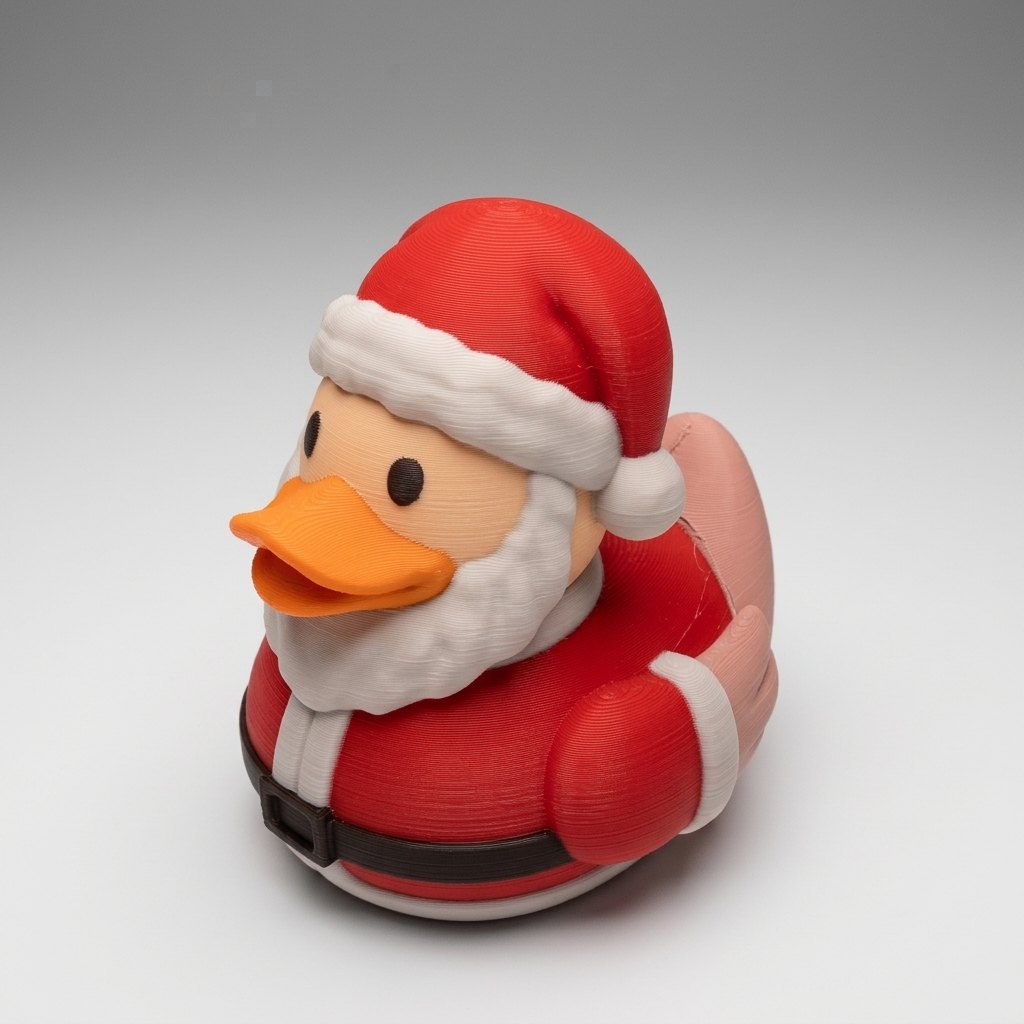
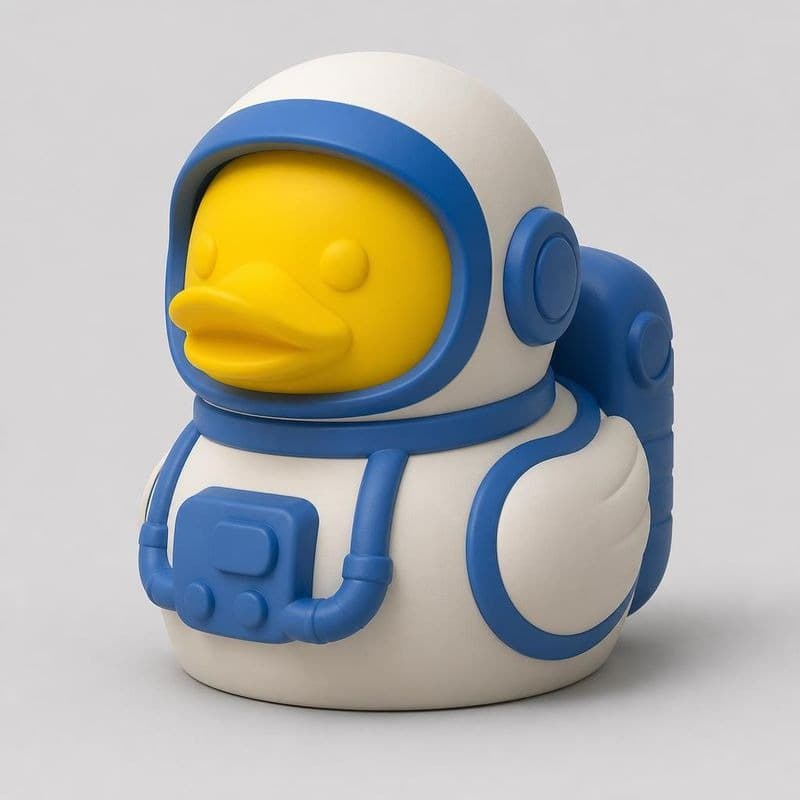
Jeep Duck Maker: a Santa duck like ours below, or a reindeer duck for the Jeep crowd.
Custom Trophy: "Best Dad" or "Cookie Champion", wrapped and under the tree.
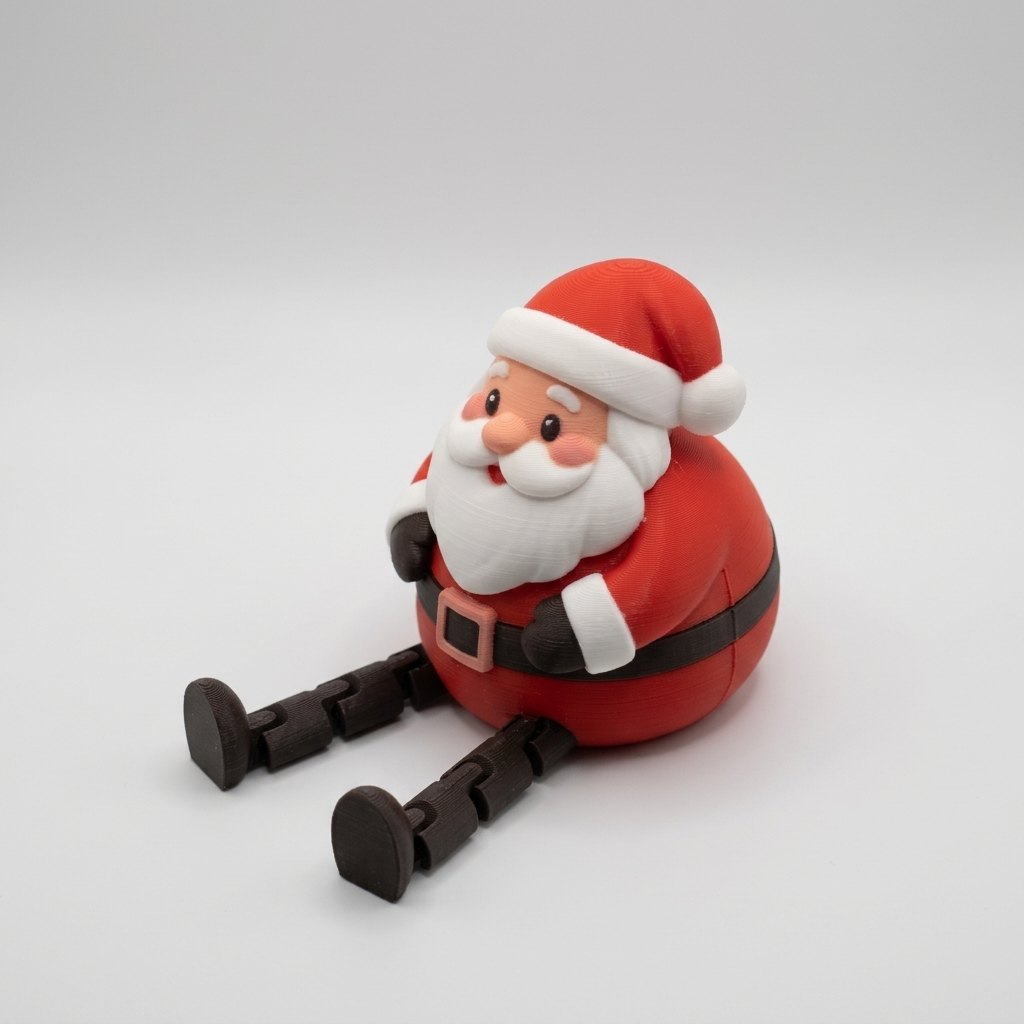
Leggy Buddy: a chubby Santa whose print-in-place legs kick.
Design an ornament your tree has never seen
Your tree has room for one more. Type a theme, or upload a photo of the dog who's going to try to eat it, and have it on the print bed tonight. You'll need a free account to see your preview, and each ornament costs about 10 credits. Plans start at $10 a month for roughly five projects.
Frequently asked questions
Do 3D printed Christmas ornaments need supports?
Not the ones from KishMake's Christmas ornament maker. Every ornament comes out with a flat base and a built-in hanging loop, shaped to print on a standard 0.4 mm nozzle with no supports. Print it the way the file comes out, and give the loop an extra wall or two for strength.
What is the best filament for 3D printed Christmas ornaments?
PLA is fine for anything that hangs indoors. Silk PLA gives the shiny look of a glass bauble, sparkle or glitter PLA reads as snow and frost, and plain matte PLA takes paint best. With an AMS or MMU you can also print the ornament in full colour.
Can I make a Christmas ornament of my pet?
Yes. Open the Christmas ornament maker, upload a photo of your dog or cat, and add a word or two if you like, such as "Santa hat". The ornament is shaped around your pet with the hanging loop built in, and you check the design as a picture before the 3D model is made.
Can I sell Christmas ornaments I design with KishMake?
Yes. KishMake's terms allow commercial use of the models you generate, as long as they don't infringe someone else's intellectual property. Your own characters, animals and pet ornaments are fine to sell on Etsy or at holiday markets. Film characters, cartoon mascots and brand or team logos are not.
Can I put a name or a year on a 3D printed ornament?
Not reliably. Fine lettering doesn't carry over well from the design picture to the 3D model, so names and years tend to come out soft or broken. Paint the name on afterwards with a paint pen, or print a small separate tag and hang it next to the ornament.
Related reading
Run a 3D-print store? Embed KishMake into your site.
Join the API waitlist for early access to design-on-demand for your customers.
